
This Soloty 2 South Central guide walks through twelve Soloty MLOs as a roleplay scenario, so you can see how each interior fits into a working city. The walk starts at the cover interior and moves through city blocks, a restaurant and the remaining districts. Every item links to its own product page on FiveM Shops, so you can read the listing before you add it to your map.
Most of these listings describe the same production standard: files packaged for a quick install, interiors tested in a live environment and layouts that are ready to walk into once the resource starts. That makes the set easy to plan. The notes below focus on what each MLO adds to a scene and who will use it most.
Walking the Soloty 2 South Central scene from street to storefront
Soloty 2. South Central
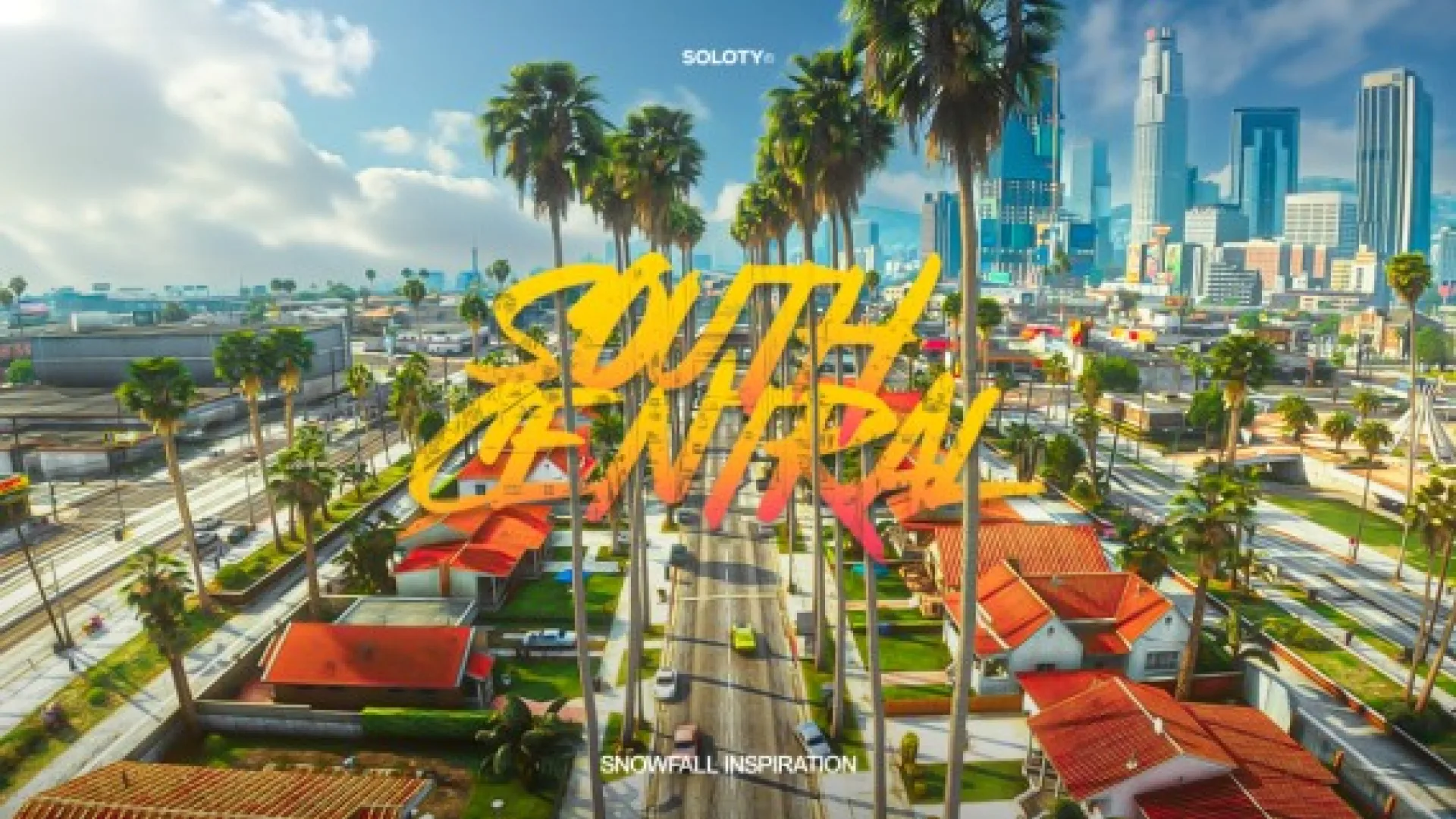
Start with the Soloty 2. South Central, the cover pick for this walkthrough. The description says it was built to production standard, so it is ready to walk into straight after install, and that its proportions follow GTA V's own scale.
It is the natural first stop because it anchors the city. Players will arrive here first on a new map, so an interior that holds up under real traffic and streams cleanly saves you problems later in the build.
Best for: the first interior on a new roleplay city map.
Soloty Los Angeles Pack 28
The Soloty Los Angeles Pack 28 is a city MLO from Soloty that the description says ships finished, with packaged files and assets tested in a live environment. It is ready to walk into the moment it streams, which makes it a simple addition to the second block of a city.
Best for: a second city interior that extends the streets around the cover pick.
Soloty Pack Mix 5
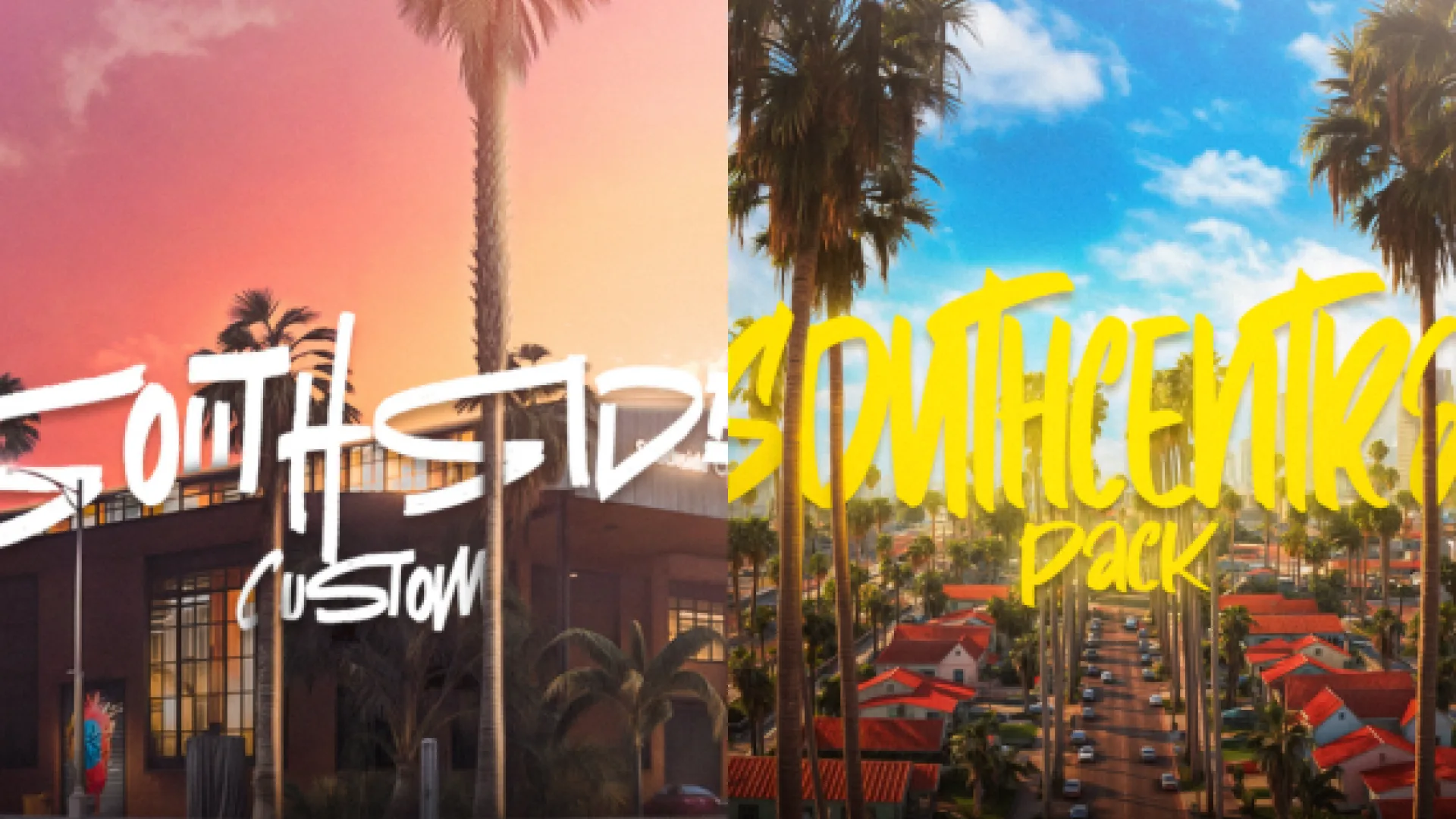
The Soloty Pack Mix 5 brings Soloty quality to a server without the usual compromises. The description highlights materials that survive a close camera, collision that behaves the way players expect, and lighting that reads correctly in a busy scene.
Best for: a mixed interior slot where a flexible layout helps the scene.
Soloty Los Angeles Pack 25
The Soloty Los Angeles Pack 25 is another city MLO from Soloty, made for servers that care how their world feels to walk through. The listing describes sensible file sizes and a finish that sits well beside the rest of a city block.
Best for: a city block that needs more street-level interiors.
Soloty 10. Mirror Market Row
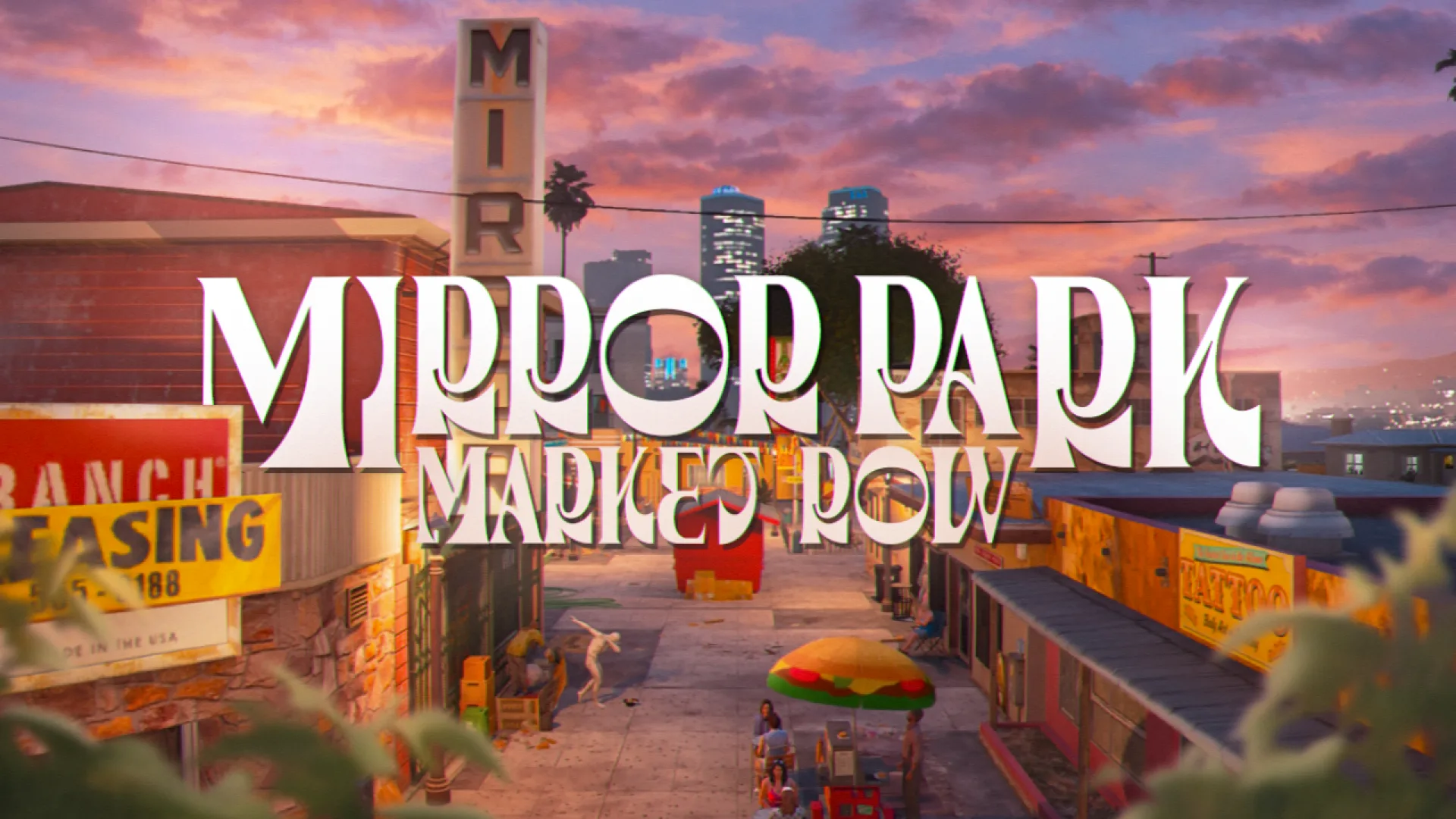
The Soloty 10. Mirror Market Row is a restaurant and business MLO that gives your city a working storefront. The description says it is packaged for a quick install and ready to walk into the moment it streams, so it suits shops, vendors and daily job routines.
Best for: a restaurant or shop slot in the commercial district of your map.
Soloty 1. Florence District
The Soloty 1. Florence District is a city MLO that fills an empty shell with a finished interior. The listing says it is ready to walk into as soon as the resource starts, which helps it blend into a quiet block.
Best for: a residential or mixed-use interior that adds life to a quiet block.
Soloty 3. South Central Bundle
The Soloty 3. South Central Bundle is a bundle from the same South Central set, and the description says it is packaged and ready to walk into. Because it is listed as a bundle, check the product page for the exact interiors included before you plan the layout.
Best for: a larger South Central build that follows the cover interior.
Soloty Los Angeles Pack 26
The Soloty Los Angeles Pack 26 is a city MLO that the listing describes as built to production standard. Its materials and collision are meant to hold up under steady player movement, which matters in a scene where many people walk the same route.
Best for: an additional city interior for a busy part of the map.
Soloty Los Angeles Pack 17
The Soloty Los Angeles Pack 17 brings the Soloty finish to a server with the usual compromises removed. The description says it is ready to walk into once the resource starts, with lighting and layout intended to feel lived in.
Best for: a second-tier interior for a growing city.
Soloty Los Angeles Pack 9
The Soloty Los Angeles Pack 9 is a city MLO that the description says was checked with players before release. It is ready to walk into straight after install, which keeps the setup simple when you add several interiors at once.
Best for: a tested city interior for a server that is adding interiors in stages.
Soloty 8. San Fernando Gardens
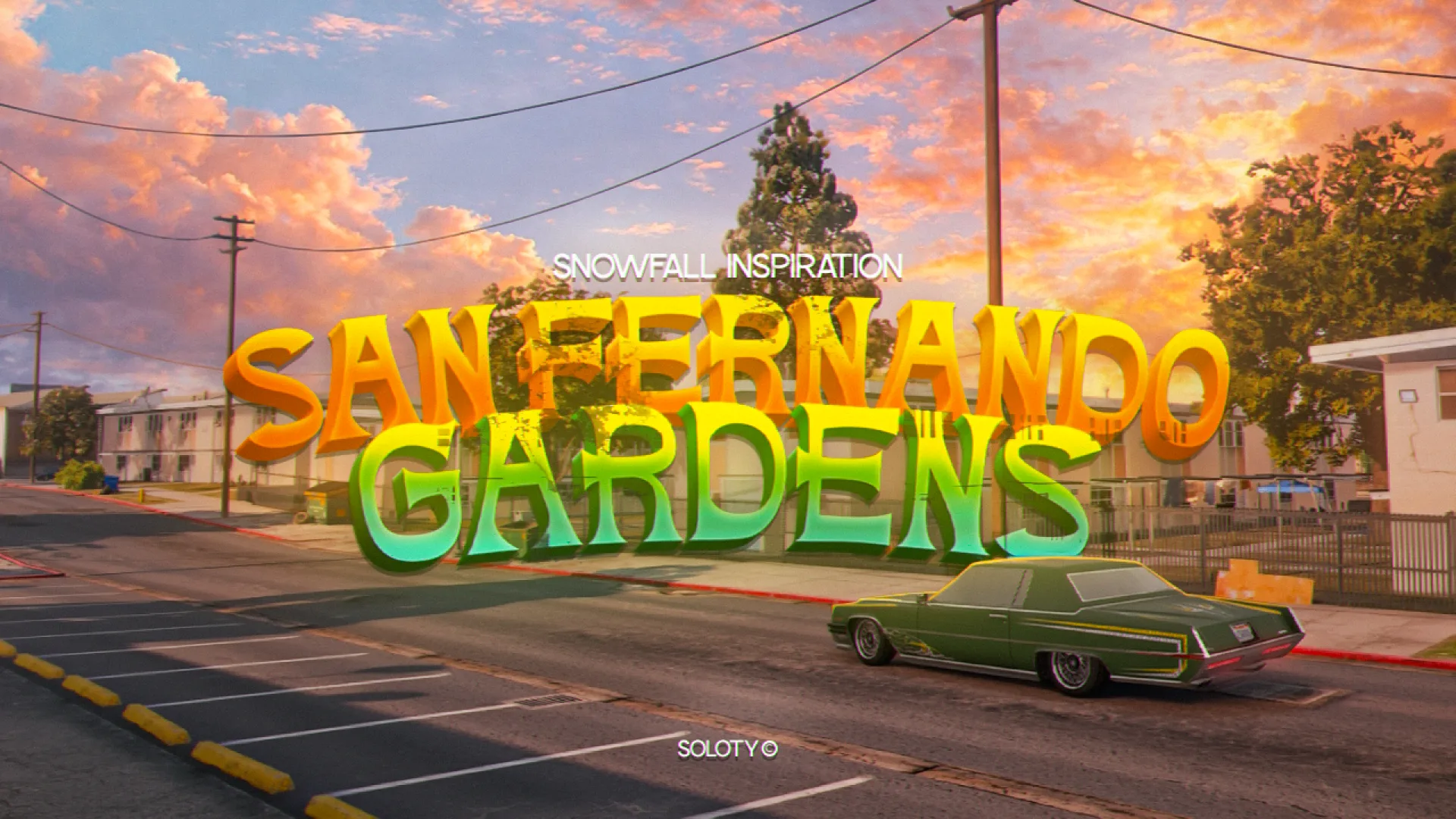
The Soloty 8. San Fernando Gardens is a city MLO with the same packaged, ready-to-walk-into approach as the rest of the set. The listing highlights lighting that reads well and collision that behaves the way players expect.
Best for: a residential interior that gives players somewhere to return to between scenes.
Soloty Florence X Bundle South
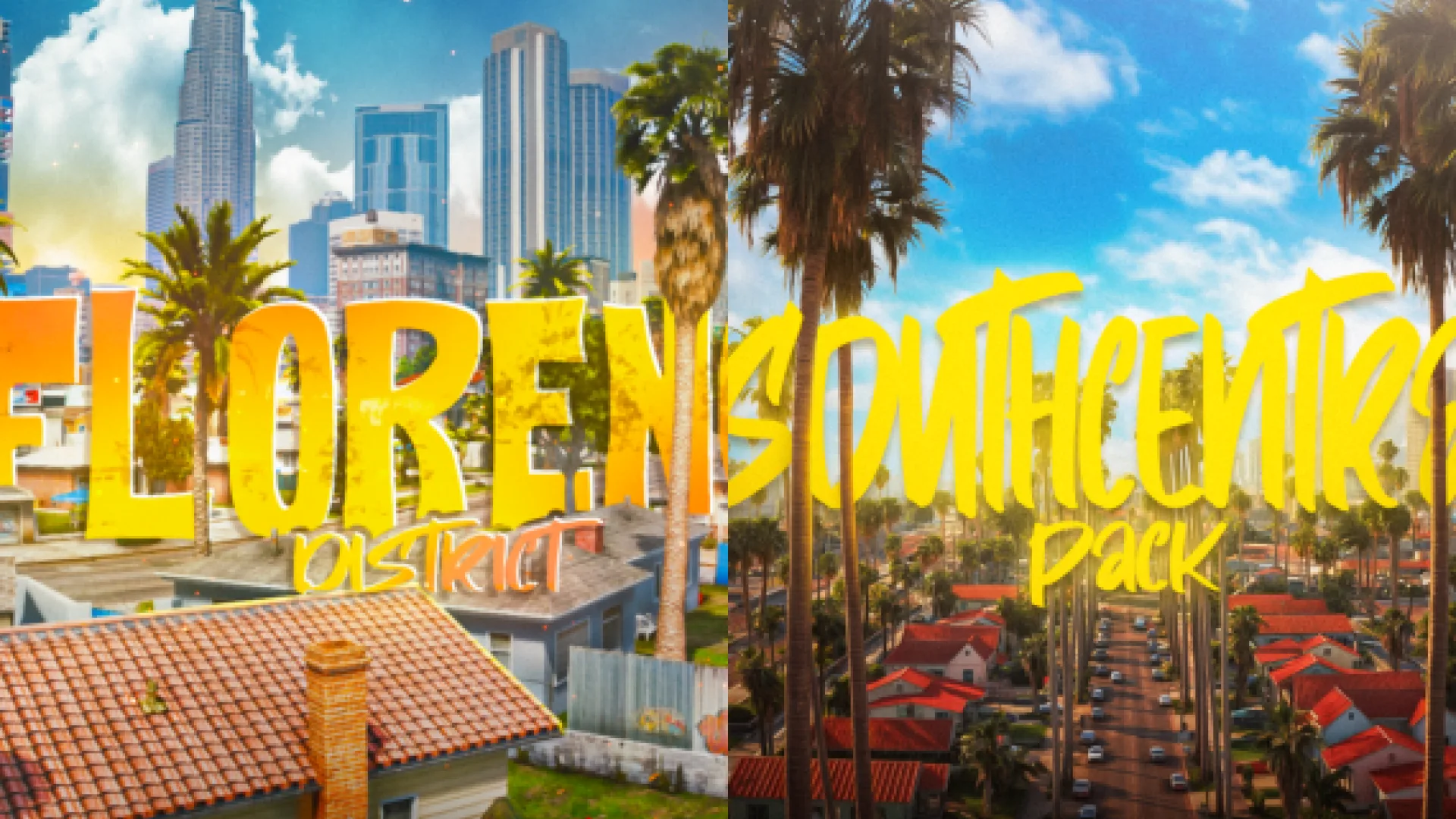
The Soloty Florence X Bundle South is a South bundle from the Florence set and the last stop on this walkthrough. The description says it is packaged and ready to walk into, so it closes the scene with a larger group of interiors that work together.
Best for: a final bundle that completes the South side of the city.
| Product | Category | Best for |
|---|---|---|
| Soloty 2. South Central | City and Public MLOs | First interior on a new map |
| Soloty Los Angeles Pack 28 | City and Public MLOs | Streets around the cover interior |
| Soloty Pack Mix 5 | City and Public MLOs | Flexible mixed interior |
| Soloty Los Angeles Pack 25 | City and Public MLOs | Street-level city block |
| Soloty 10. Mirror Market Row | Restaurant & Business MLOs | Shop or restaurant slot |
| Soloty 1. Florence District | City and Public MLOs | Quiet mixed-use block |
| Soloty 3. South Central Bundle | City and Public MLOs | Larger South Central build |
| Soloty Los Angeles Pack 26 | City and Public MLOs | Busy part of the map |
| Soloty Los Angeles Pack 17 | City and Public MLOs | Second-tier interior |
| Soloty Los Angeles Pack 9 | City and Public MLOs | Tested interior added in stages |
| Soloty 8. San Fernando Gardens | City and Public MLOs | Residential interior |
| Soloty Florence X Bundle South | City and Public MLOs | Final South side bundle |
Questions people ask before building a Soloty city
Which Soloty MLO should I place first?
Place the cover interior first, because the walkthrough is built around it and it anchors the city. Add the restaurant and residential interiors once the main streets are in place.
Do these MLOs need extra dependencies?
The descriptions do not list dependencies, so check each product page before you install. Confirm the resource files and any required setup on the listing first.
Can I use all of them on one server?
Many of these listings are standalone interiors, but the descriptions do not say how they combine with each other. Test the set on a staging copy of your map to catch overlaps before players join.
Explore the City and Public MLOs collection on FiveM Shops to compare more listings from Soloty. Use this walkthrough as a route, then place each interior where your roleplay scenes will actually use it.
To sum up, soloty 2 south central covers a lot of ground for a roleplay city. Pick the soloty 2 south central options that match your server's story first, then add the rest as your community grows. Soloty 2 south central picks on FiveM Shops install like any other resource.