
If you are setting up a new roleplay city, these nolag properties fivem scripts are the first place to start for player housing. This guide walks through the two housing listings we carry at FiveM Shops, explains what each one covers, and gives you a practical order for adding them to a fresh server.
Housing is one of the systems that most often drags down a server, so the choice of script matters as much as the feature list. Both listings stress performance, which means the decision comes down to how much of the property experience you want to build around. Use the sections below to compare the two, then work through the setup order and the checklist before you open the server to players.
Nolag properties FiveM scripts for a new city
Nolag Properties

The Nolag Properties listing describes a full player-housing experience. Players buy properties, step into interior shells, store their gear and share access with others. The copy stresses that the resource stays deliberately light on your server, so you can offer real homes without a large framerate cost.
Purchasable properties are placed across the map, which gives players a reason to save up and settle somewhere. Use it as the core of your housing plan if you want interior shells and storage to be part of the roleplay. Because the listing emphasizes a light footprint, it suits a server that already has a busy map and a long resource list.
Best for: cities that want full player homes with storage and shared access on a light footprint.
Housing V2
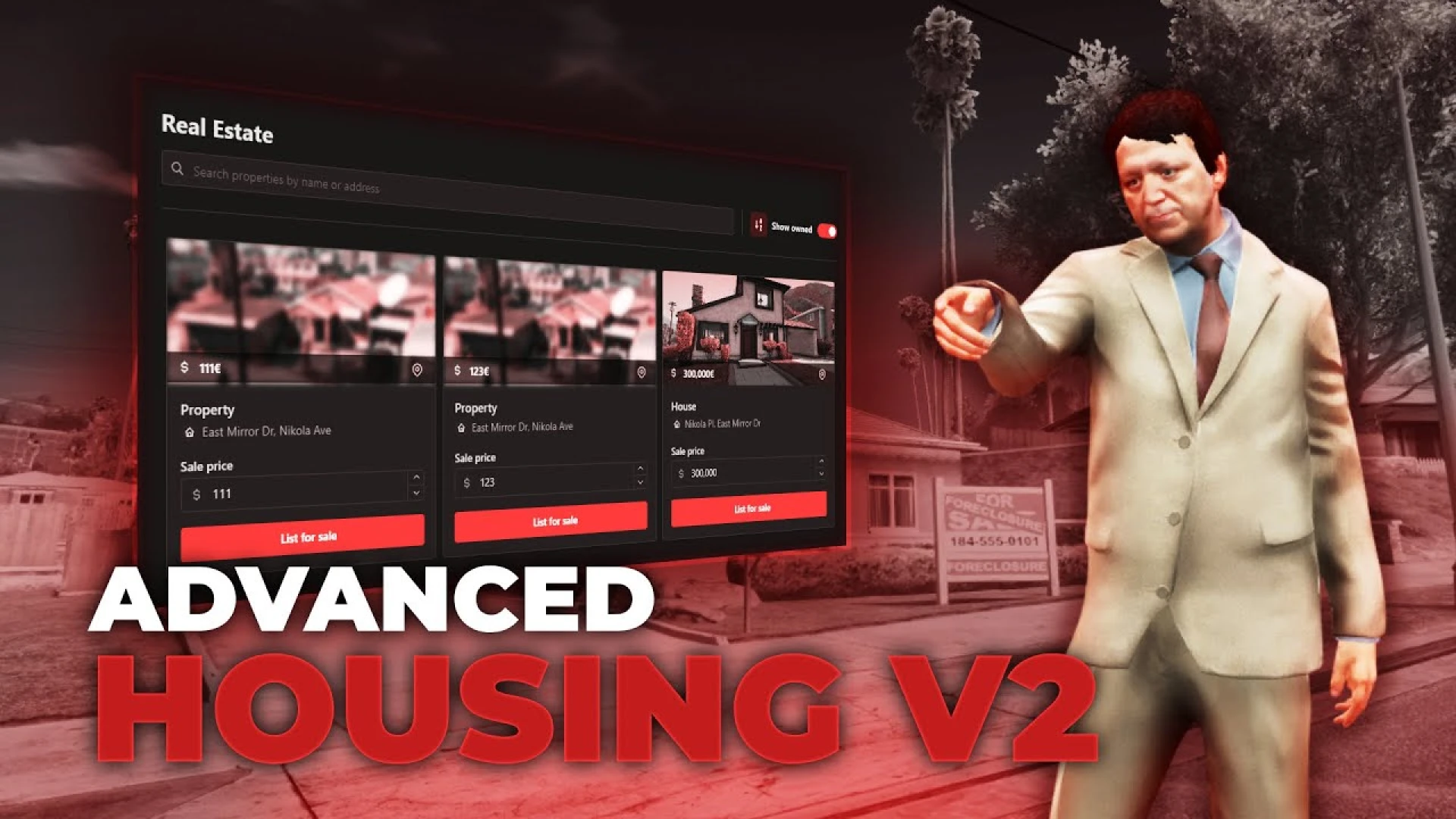
The Housing V2 resource presents itself as a complete property system that replaces scattered temporary solutions with one cohesive experience. The listing describes clean purchasing flows that guide players from browsing available properties to signing for a new home. It also says the resource is built with performance in mind, and it is aimed at owners who want ownership to feel meaningful.
Choose it when you want one system that covers buying, customizing interiors and settling in, rather than a set of separate tools that do not match. A single purchase flow is also easier to explain to new players, which matters in the first week of a city.
Best for: servers that want one cohesive property system with clean purchase flows.
Who each housing script suits
| Product | Category | Best for |
|---|---|---|
| Nolag Properties | Housing & Property Scripts | Light housing with storage and shared access |
| Housing V2 | Housing & Property Scripts | One cohesive purchase flow and interiors |
Both products sit in the same category, so the choice is about the experience you want. If your city needs shared access and storage with a light footprint, start with Nolag Properties. If you want a single purchase flow that replaces temporary solutions, Housing V2 is the better match.
A practical setup order for your housing system
A practical setup order makes these nolag properties fivem scripts easier to test, because each step shows one system working before the next one starts. Check each product page for install notes and framework details first, since the copy for both listings does not name a framework.
- Install one housing resource at a time and confirm players can browse, buy and enter a property.
- Decide which properties are purchasable and where they sit on the map, using the listing description of purchasable properties as the starting point.
- Set up storage and shared access rules, since the Nolag listing describes storing gear and sharing access.
- Test with several players at once to watch client performance before you open the server to the public.
- Only then add interior decoration and extra props, so any slowdown is easy to trace back to its source.
A short checklist keeps the first week calm. Once the basics work, you can tune the purchase rules and storage limits your city needs, and add more interiors as the economy grows.
What to check on each product page
- Framework details, so you know whether the resource fits your job and economy systems.
- Install notes and file layout, so the resource starts cleanly on your server.
- What players can do, such as buying, entering interiors, storing gear and sharing access.
- Performance notes in the listing, which you should confirm with your own player count.
Confirm each point before you publish either resource. The listings describe performance goals, but those goals only matter once you test them on your own map with your own players.
Questions about nolag properties FiveM scripts
Do these housing scripts work with QBCore?
Neither listing names a framework in the copy we reviewed, so check each product page for framework details before you connect the property system to your job or economy resources.
Can players share access to a home?
The Nolag Properties listing says players can store their gear and share access, so that feature is described on the product page. Read the listing to confirm how access sharing works before you write rules for your server.
Which housing script should a new city start with?
Start with Nolag Properties if you want interior shells, storage and shared access with a light footprint. Choose Housing V2 if you want a single, cohesive purchase flow and a property system that replaces temporary solutions.
To compare both listings in more detail, open the Housing & Property Scripts collection on FiveM Shops and read each product page before you commit. Starting with one clear housing system makes it much easier to build the rest of your nolag properties fivem scripts setup around it.