
This memos couple animations fivem guide ranks four couple animation listings for roleplay servers, starting with the broadest set and ending with a single pose. All four sit in the Couple & Shared Animations category, so they fit together on one server without any extra setup.
The ranking reflects how much each listing covers and which scenes it suits, not popularity. Read the notes below to see how each memos couple animations fivem pick compares, then open the product page you like best to confirm the details.
Couple scenes are among the most common requests on a roleplay server, and they fall apart when two models do not line up. Synced animations solve that by matching timing and position so both characters react together. The four picks below cover that range, from a full library down to a single quiet moment.
How the memos couple animations fivem picks rank on a roleplay server
In short, Memo's Couple Animations comes first for breadth and the Kiss Pose Pack second for emote menu compatibility. The MrWitt pack takes third place for posed photo scenes, and the cuddle pose ranks fourth for a single quiet moment. Read each section below before you decide which sets belong on your server.
Memo's Couple Animations
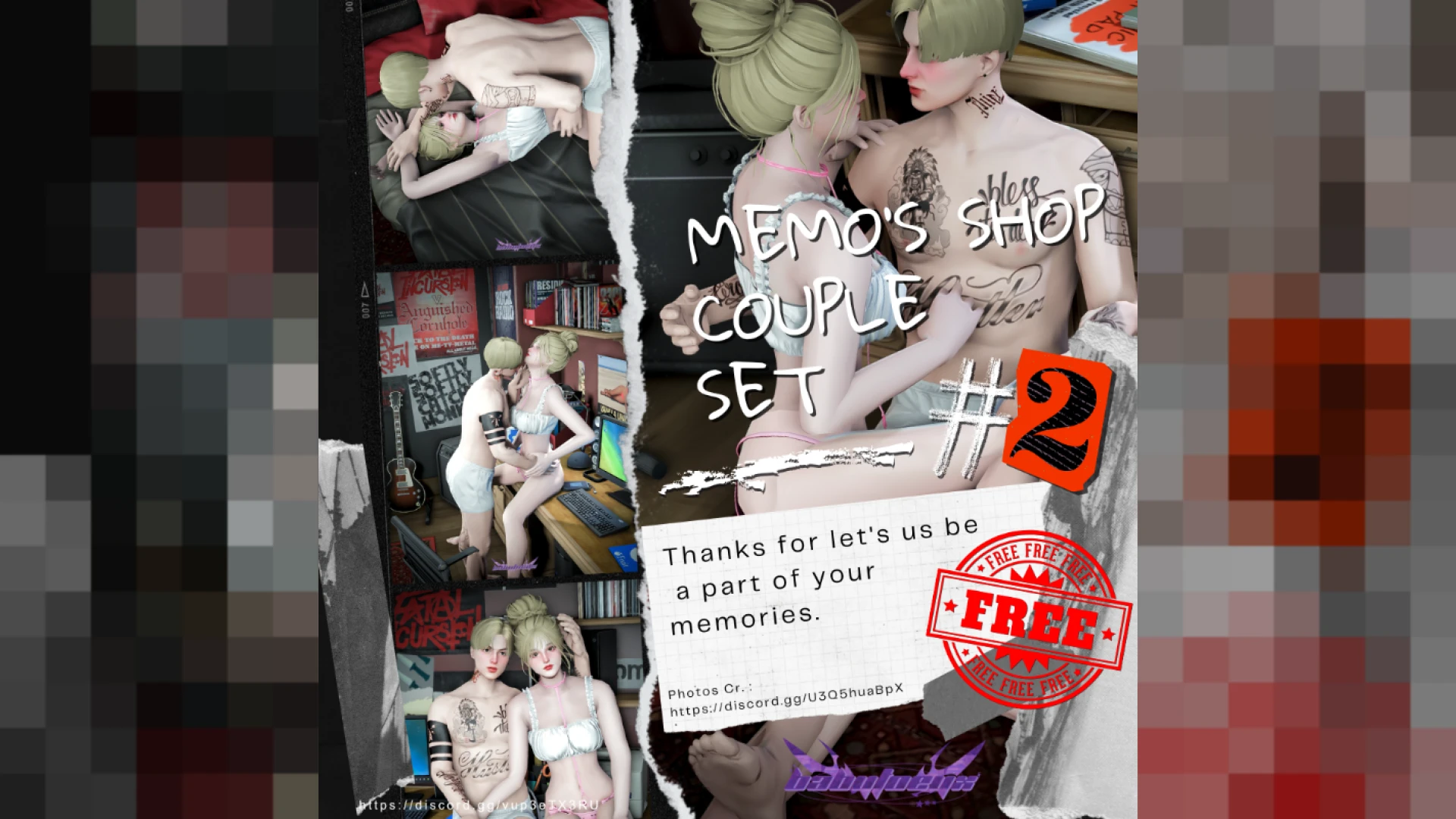
The Memo's Couple Animations ranks first because its description covers the widest range of moods. It offers synced hugs, kisses, hand-holding and shared poses that line up between two players, from tender and romantic to casual scenes.
The timing is matched so both characters meet naturally instead of clipping or drifting apart. That makes it the set to check first when a server needs one library for many kinds of scenes. It also gives staff a common reference point, so they can explain which animations are available without checking every pack.
Best for: Servers that want one broad set for many kinds of couple scenes. Start here, then add a single pose only when your players ask for it.
Kiss Pose Pack
The Kiss Pose Pack ranks second because its listing names compatibility with dpemotes, scully_emotemenu and rpemotes. It is a looping animation pack tuned to play smoothly, without odd snapping or clipping.
The listing presents it as a way to give players more ways to express their character. Conversations, photos and events feel more natural when the animations are tuned this way. Pick it when your players already use one of the emote menus named in the listing.
Best for: Servers that already run dpemotes, scully_emotemenu or rpemotes. Check your emote menu before you install it, since the listing names those three.
MrWitt | Couple Pose Pack 2
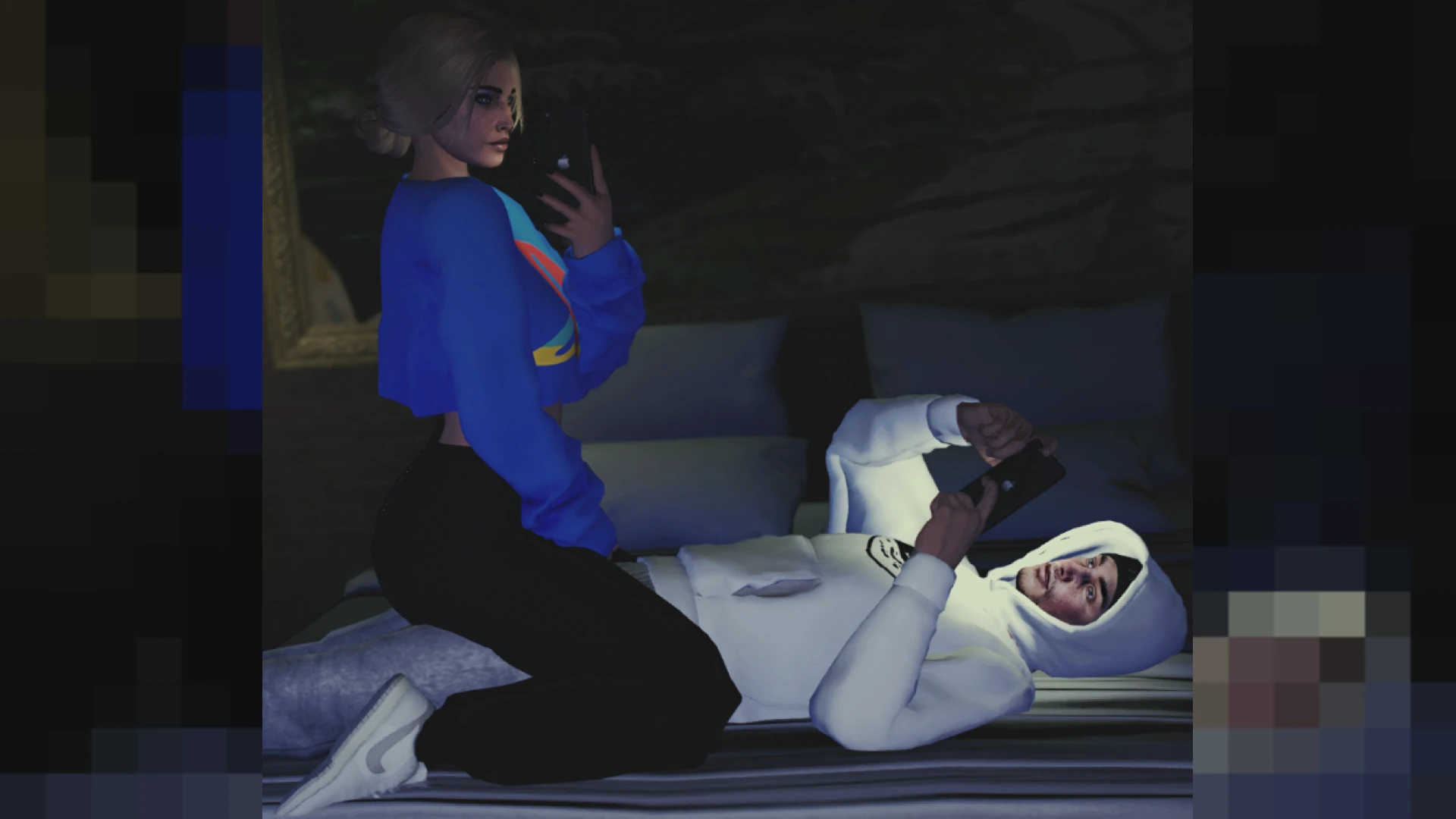
The MrWitt | Couple Pose Pack 2 ranks third because it is built for posed scenes. Its synced two-person poses suit romantic roleplay, photos and heartfelt story scenes, from gentle embraces to relaxed, playful moments.
The description names wedding ceremonies, quiet date nights and cinematic screenshots as use cases. It is a better fit than the single pose when a scene is about the picture as much as the story. It also works well for a cinematic screenshot of an event that players will talk about later.
Best for: Wedding scenes and photo-focused roleplay. Choose it when posed scenes matter more than continuous motion.
Cuddle Partner Pose
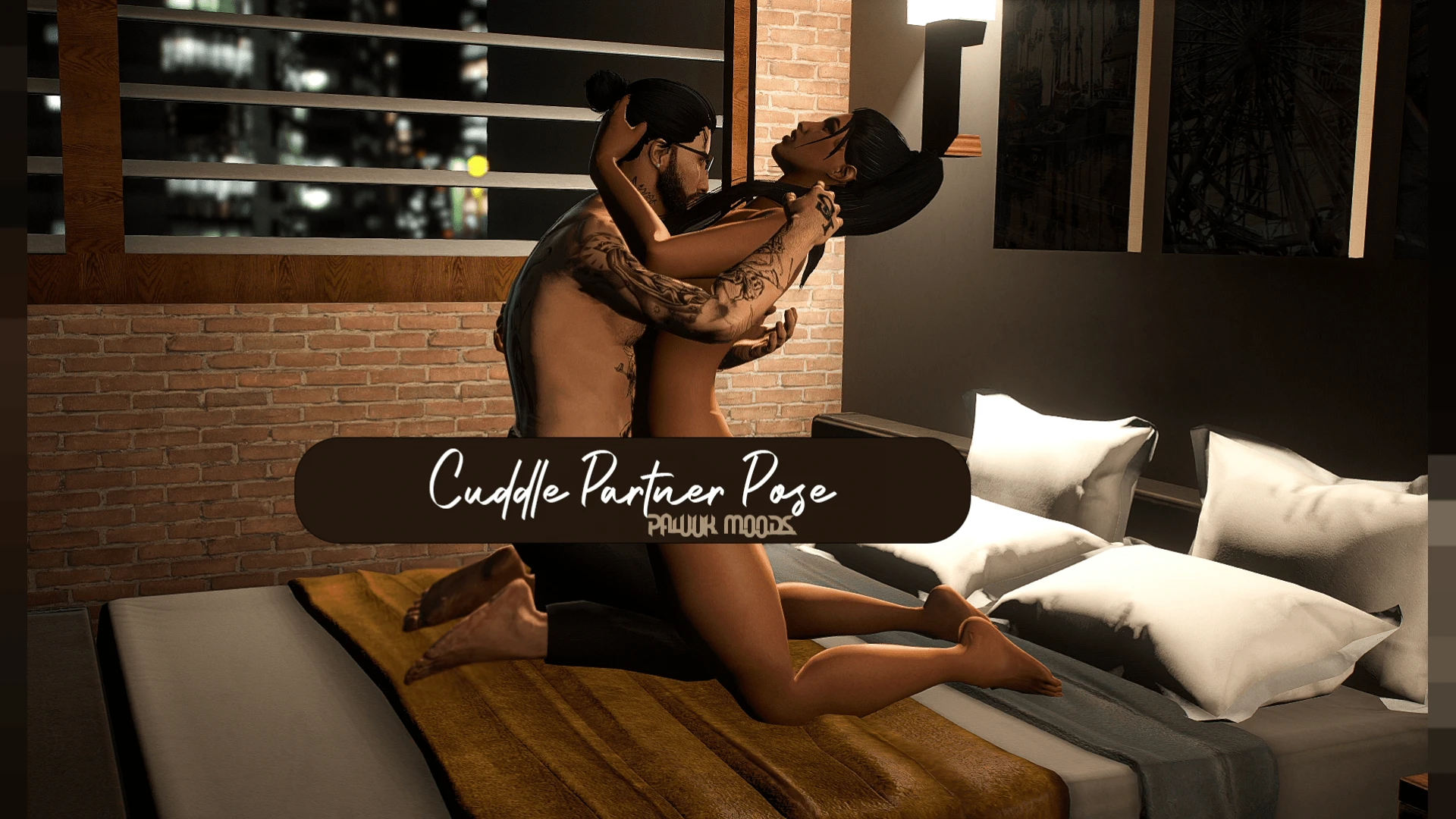
The Cuddle Partner Pose ranks fourth because it covers one pose rather than a set. Both models lock into a natural cuddle that reads well from any camera angle, with a smooth entry and exit. The entry and exit avoid jarring snaps, so the pose feels natural in both directions.
The description calls it a small touch that makes relationships, downtime and quiet scenes feel more genuine. Use it when you need one reliable pose instead of a full library. It suits closeness without a full set of actions.
Best for: Quiet scenes, downtime and single moments between two players. Add it when you do not need a full library.
Using couple animations in a scene
Start with one anchor pose for the main moment, then add a second set only if the scene needs more range. Agree on the pose with the other player before the scene starts, so both characters move at the same time. Keep the emote menu consistent across the server so every player finds the same controls. Keep the timing simple, since a short scene reads better than a long chain of poses. Stop the animation as soon as the moment ends so the scene keeps moving.
Comparison table for the four couple animation picks
| Product | Category | Best for |
|---|---|---|
| Memo's Couple Animations | Couple & Shared Animations | Broad mood range |
| Kiss Pose Pack | Couple & Shared Animations | Emote menu compatibility |
| MrWitt | Couple Pose Pack 2 | Couple & Shared Animations | Wedding and photo scenes |
| Cuddle Partner Pose | Couple & Shared Animations | Quiet single moments |
Common questions about couple animations on FiveM
Which memos couple animations fivem pick should I install first?
Start with Memo's Couple Animations for the broadest range of moods. Add the Kiss Pose Pack when your emote menu is one of the three it names.
Do these work with dpemotes or rpemotes?
The Kiss Pose Pack names dpemotes, scully_emotemenu and rpemotes as compatible. The other three descriptions do not name an emote menu, so check their product pages before you install them.
Do couple animations need QBCore or ESX?
None of the four descriptions names QBCore or ESX. Open each product page and confirm the install steps for your framework first, since that is the only reliable check.
Can I mix these picks in one scene?
Yes, if your emote menu supports each set. Test two players together before a session so the timing and camera angles look right.
If none of these fit, browse the full Couple & Shared Animations range at FiveM Shops for other memos couple animations fivem options. Synced scenes work best when both players agree on the moment before they start.