
A dances animation pack FiveM set is one of the simplest upgrades for a roleplay emote menu, and this guide explains what to install first from five animation packs on FiveM Shops. Each pick links to its own product page, so you can check the details before you add anything to your server. The order below starts with the social pack most players will use, then moves toward the specialized sets for events and photos.
Emotes shape how characters talk, celebrate and react in a scene. A small, well-chosen set does more for a roleplay server than a long list nobody uses, so the advice here is to start with two or three packs that cover everyday moments and add the rest as your community asks for them.
What to install first from the dances animation pack FiveM range
Dances Animation Pack 2
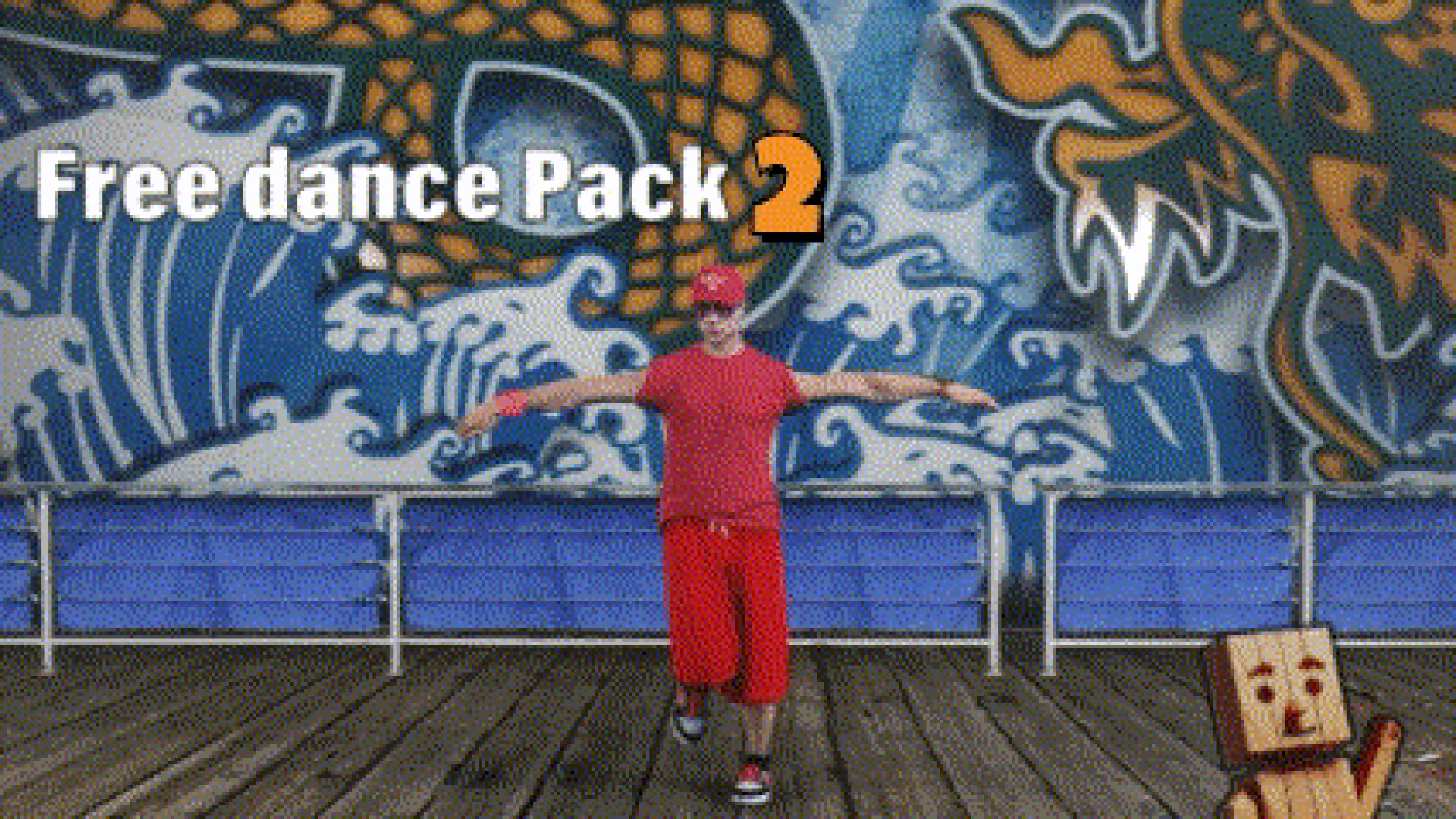
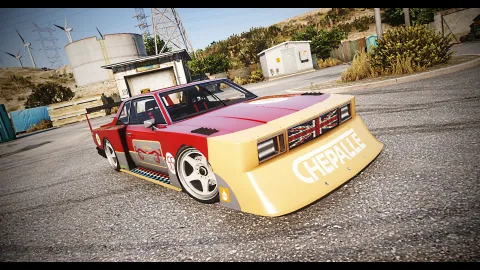
Install Dances Animation Pack 2 first. The description calls it a second helping of solo dance emotes for club floors, house parties and the street. Each move is smooth and loopable, and it is easy to trigger through your emote menu.
The set is built as a standalone pack, so the animations install into your emote resource without a required framework. That makes it the simplest first step, because your players get something new to use on the first night the update goes live.
Best for: nightlife scenes, house parties and any social hub where players want to show off.
Deado Animations Pack V2
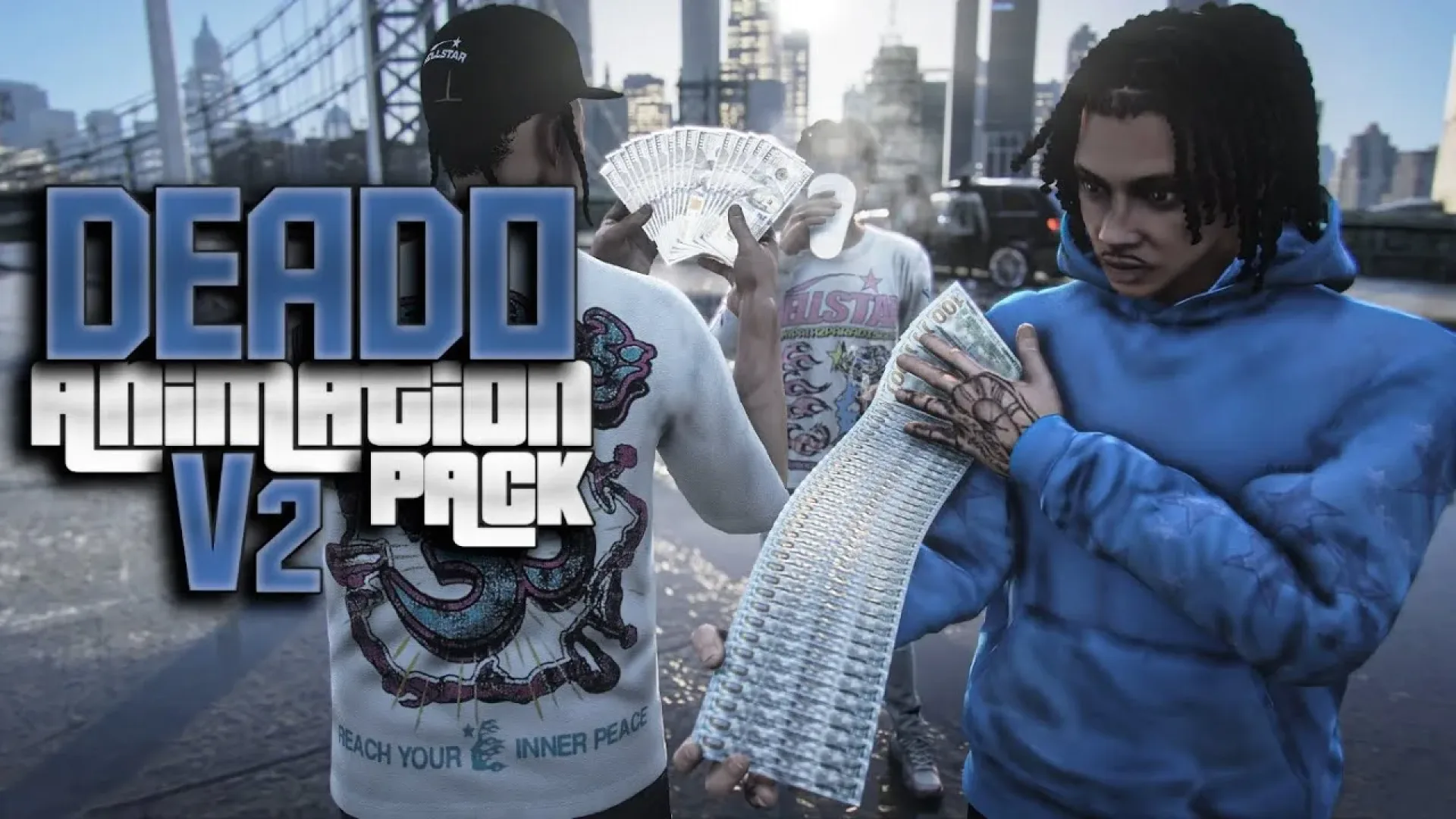
Install Deado Animations Pack V2 second. The description says it adds new, smooth animations for roleplay scenes and social moments, tuned to play without odd snapping or clipping. Good animations make conversations, photos and events feel natural, and this pack is aimed at exactly those moments.
The listing also says it is compatible with dpemote, which is one of the common emote resources on FiveM servers. Check that your emote setup matches before you add the pack, because the install steps on the product page will confirm the details.
Best for: everyday roleplay conversations and social scenes with a dpemote setup.
Pazeee Six Emote Pack
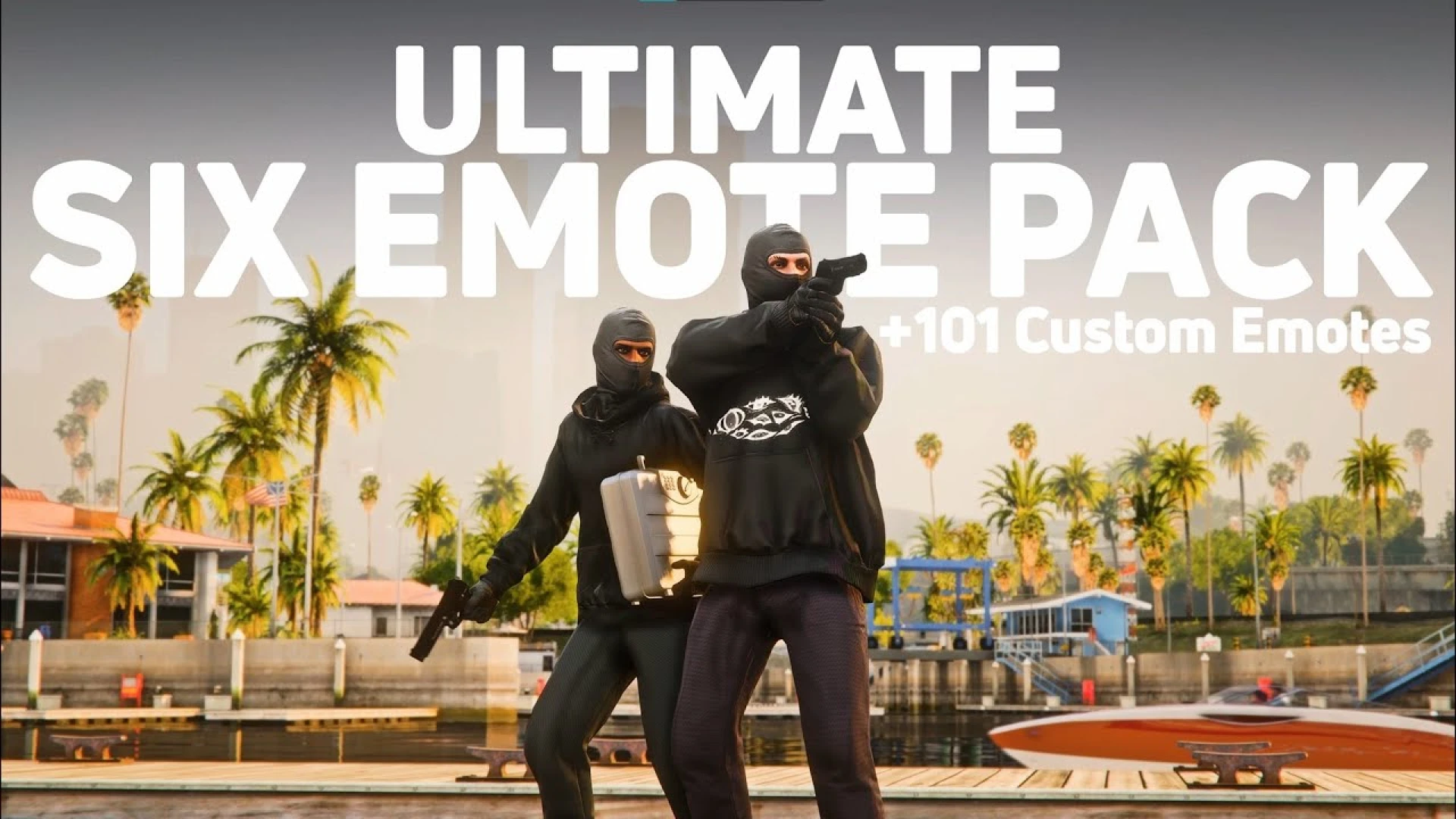
Install Pazeee Six Emote Pack third. The description says it adds six polished custom animations that give players fresh ways to react and roleplay. The set is curated rather than a random grab bag, so each emote has a clear use in everyday roleplay or in a photo moment.
The animations are built to loop and blend smoothly instead of snapping awkwardly. That matters when a character has to hold a gesture through a long conversation, and it keeps the scene feeling like one continuous moment.
Best for: small gestures and reactions that players use every day.
Spicy Poses Pack
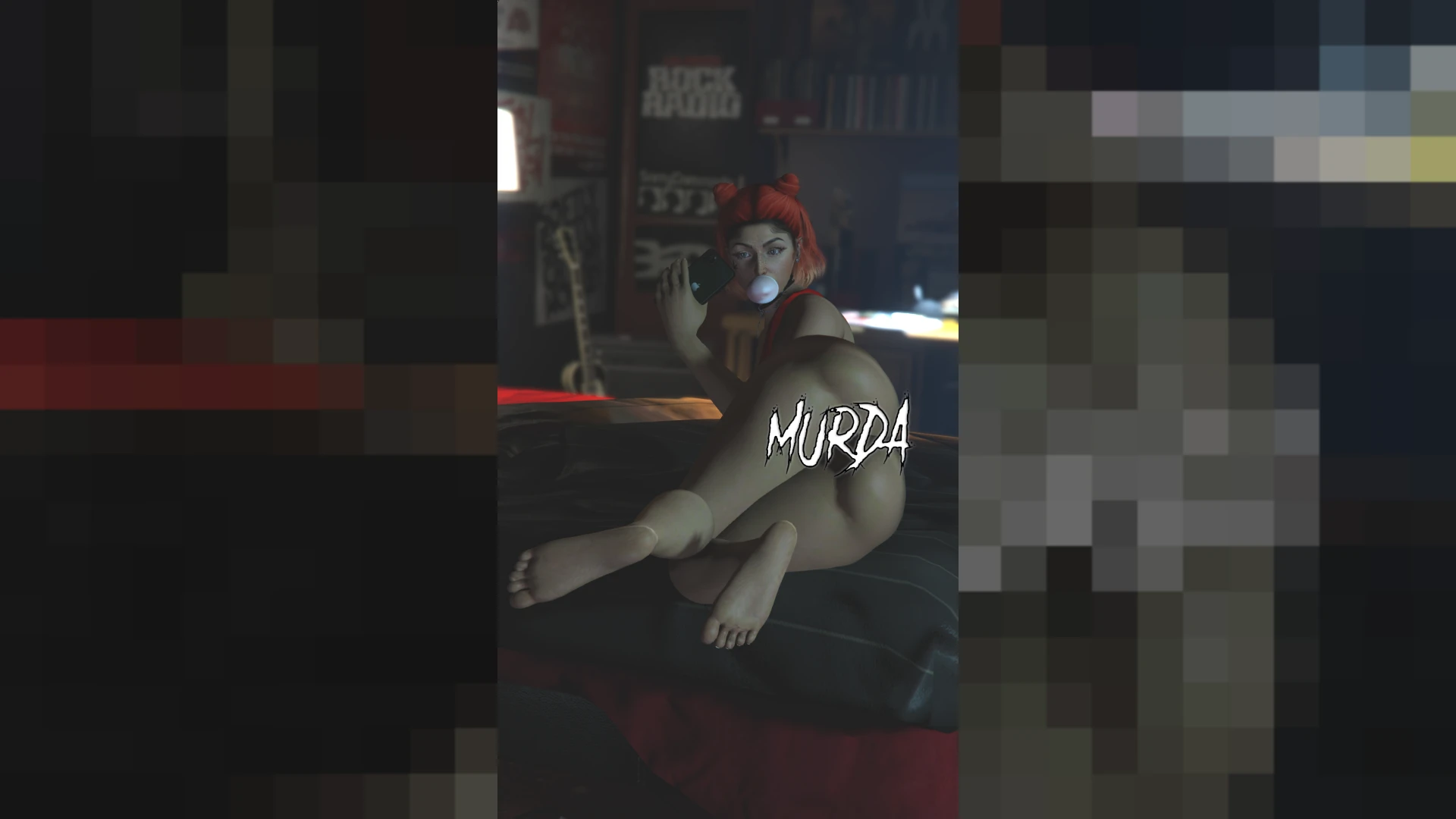
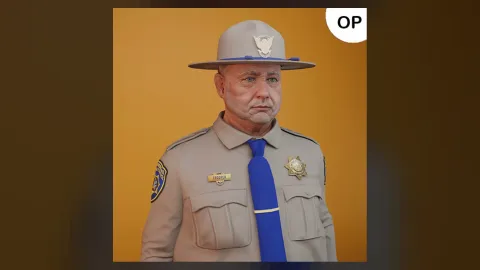
Install Spicy Poses Pack fourth, once your community starts posting screenshots or running cinematic scenes. The description calls it a set of bold, expressive character poses for photoshoots, streams and story moments, and it says each pose is aligned so hands, hips and shoulders sit naturally.
A stiff default stance rarely captures the mood players are after. With this collection, characters can strike confident shapes that look intentional in every frame, which helps your server's photo channels and content creators.
Best for: photoshoots, streamer scenes and cinematic story moments.
Patatichete | Propose Animations Pack
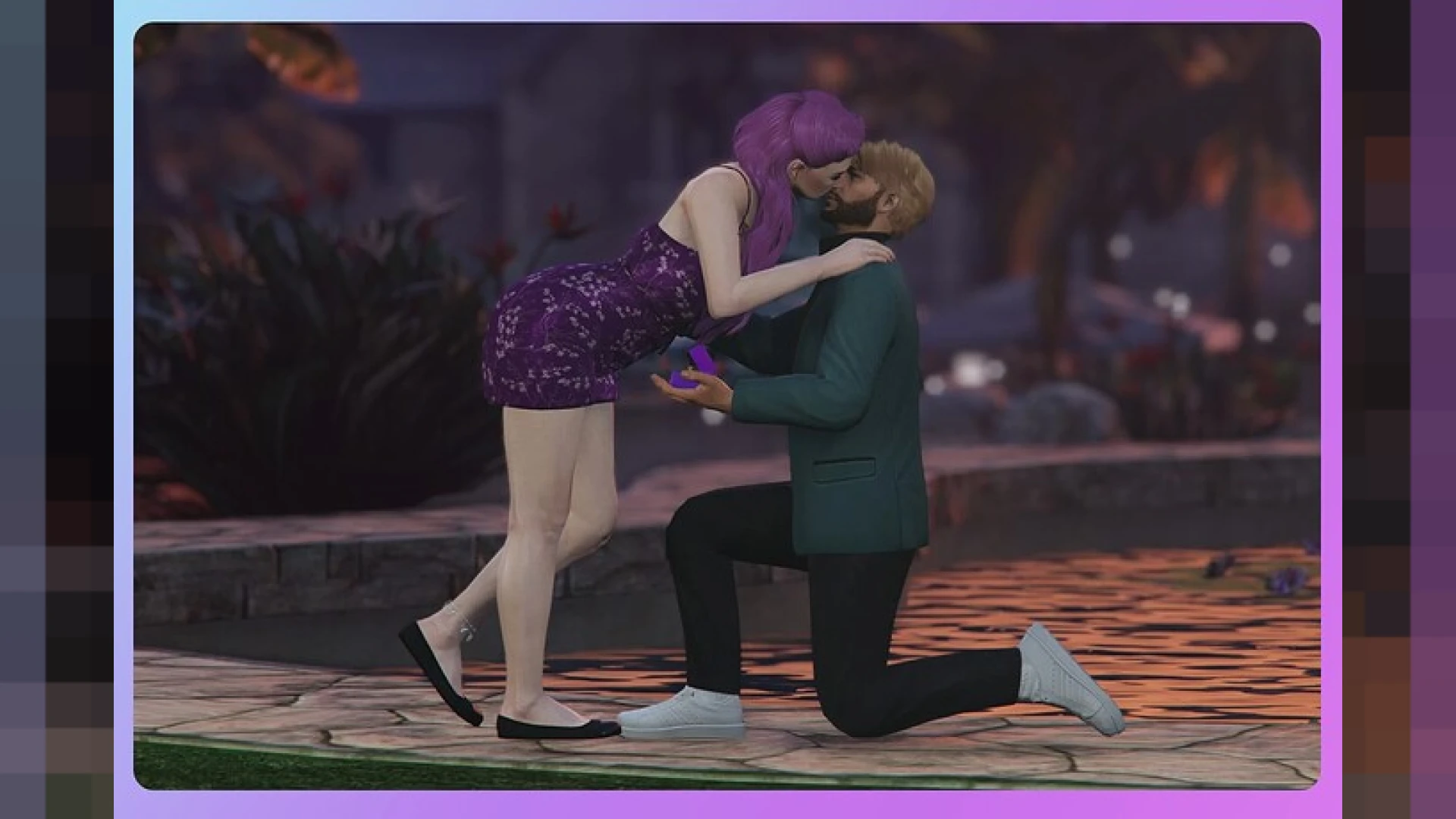
Install Patatichete | Propose Animations Pack last, when your server runs events that need it. The description says one player kneels, opens a ring box and asks the big question while another character stands close and reacts. Each clip is timed so the two players line up naturally.
That timing keeps the moment believable during weddings, dates, reunions and other story-driven events. It is a specialized set, so it earns its place only if your roleplay includes those scenes, and it runs as a standalone animation resource.
Best for: weddings, dates and reunion scenes that need a two-player moment.
Comparison table for the dances animation pack FiveM set
The table lists each pack with its category and the install order used above, so you can plan updates for your emote menu.
| Install order | Product | Category | Best for |
|---|---|---|---|
| 1 | Dances Animation Pack 2 | Animation Packs | Nightlife and social hubs |
| 2 | Deado Animations Pack V2 | Animation Packs | Everyday roleplay with dpemote |
| 3 | Pazeee Six Emote Pack | Animation Packs | Daily gestures and reactions |
| 4 | Spicy Poses Pack | Animation Packs | Photos and cinematic scenes |
| 5 | Patatichete | Propose Animations Pack | Animation Packs | Weddings and reunions |
Each pack is listed as its own product, so you can test them one at a time. Install one pack, check that its animations appear in your emote menu and play as expected, then add the next. That order keeps any conflict easy to trace back to the pack that caused it.
Questions about the dances animation pack FiveM installs
Do I need a framework to run the dances animation pack FiveM set?
The Dances Animation Pack 2 description says it is a standalone set that installs into your emote resource without a required framework. The other packs do not list a framework in their summaries, so check the product page for each one before you install it.
Which emote resource do these packs need?
The Deado Animations Pack V2 listing says it is compatible with dpemote. For the other packs, check the product page to confirm which emote resource the install expects, since your current menu may differ.
Should I install every pack at once?
No. Install the social dance pack first, then add the everyday gesture and pose packs as your players request them. The propose pack is a specialist set, so add it only when your events call for it.
Which pack suits a photo session?
The Spicy Poses Pack is the best fit for photoshoots and streams. Its description focuses on poses where hands, hips and shoulders sit naturally, so the character looks intentional in every frame.
Does the propose pack need two players?
The description says one player kneels and opens a ring box while another character stands close and reacts. The scene works best with two players, so plan it as a shared moment rather than a solo emote. A short rehearsal before the event helps both players hit their marks.
The full set of animation packs sits in the Animation Packs collection on FiveM Shops. Start with the dance pack, check your emote menu, and add the rest one pack at a time so your players can learn each one.