
Alcaline eat fork fivem animations are a sensible first addition to a new roleplay server, because meals, phone use and idle poses come up in almost every scene. This guide turns the fourteen emote and animation releases in this set into a starter kit you can review in one sitting.
Each claim below comes from the listing's title, category and description. Where a listing is silent, for example on framework support or menu compatibility, we say so and point you to the product page. The rest of this list builds around the alcaline eat fork fivem animations, so use the cover pick first and then add packs that match the scenes your community plays most.
Which alcaline eat fork fivem animations to add first
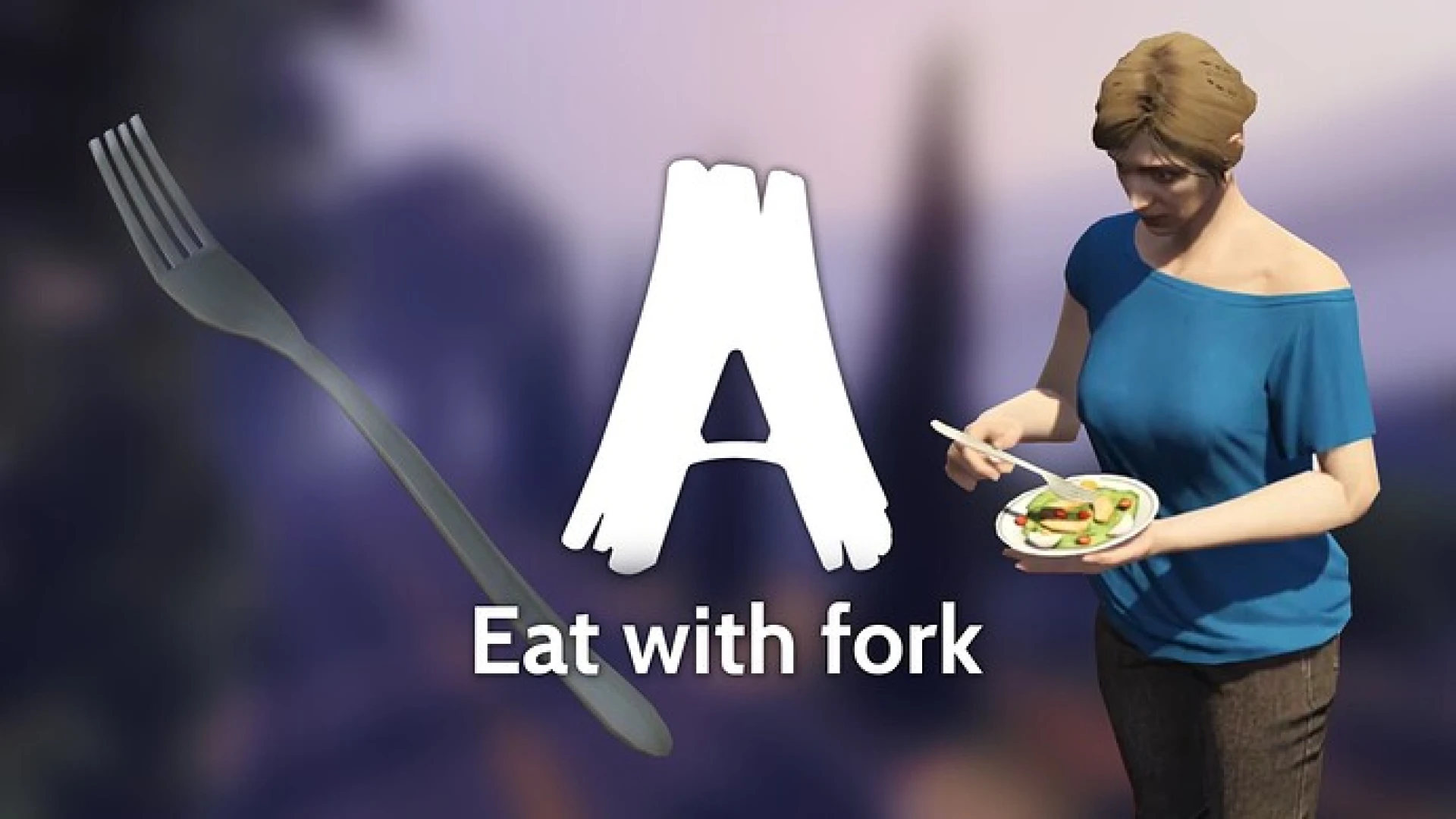
Alcaline | Eat with Fork Animation
The Alcaline | Eat with Fork Animation gives players a natural way to sit down and enjoy a meal, with a fork prop that appears in hand for the full effect. The description points to restaurants, cafes and home scenes, where small details make a character look like they are actually dining. It is the first pack to add because mealtimes come up on most servers.
Best for: restaurants, cafes and home scenes.
Ladies Selfie Poses
The Ladies Selfie Poses adds a set of photogenic poses for female characters who take phone-in-hand shots for portraits and content. The description notes that each pose holds cleanly without jitter, which matters when a character has to stay still for a photo. It fills a gap, since the description says default emote lists rarely include self-photo animations.
Best for: portrait scenes and character content.
Propose Custom Animation
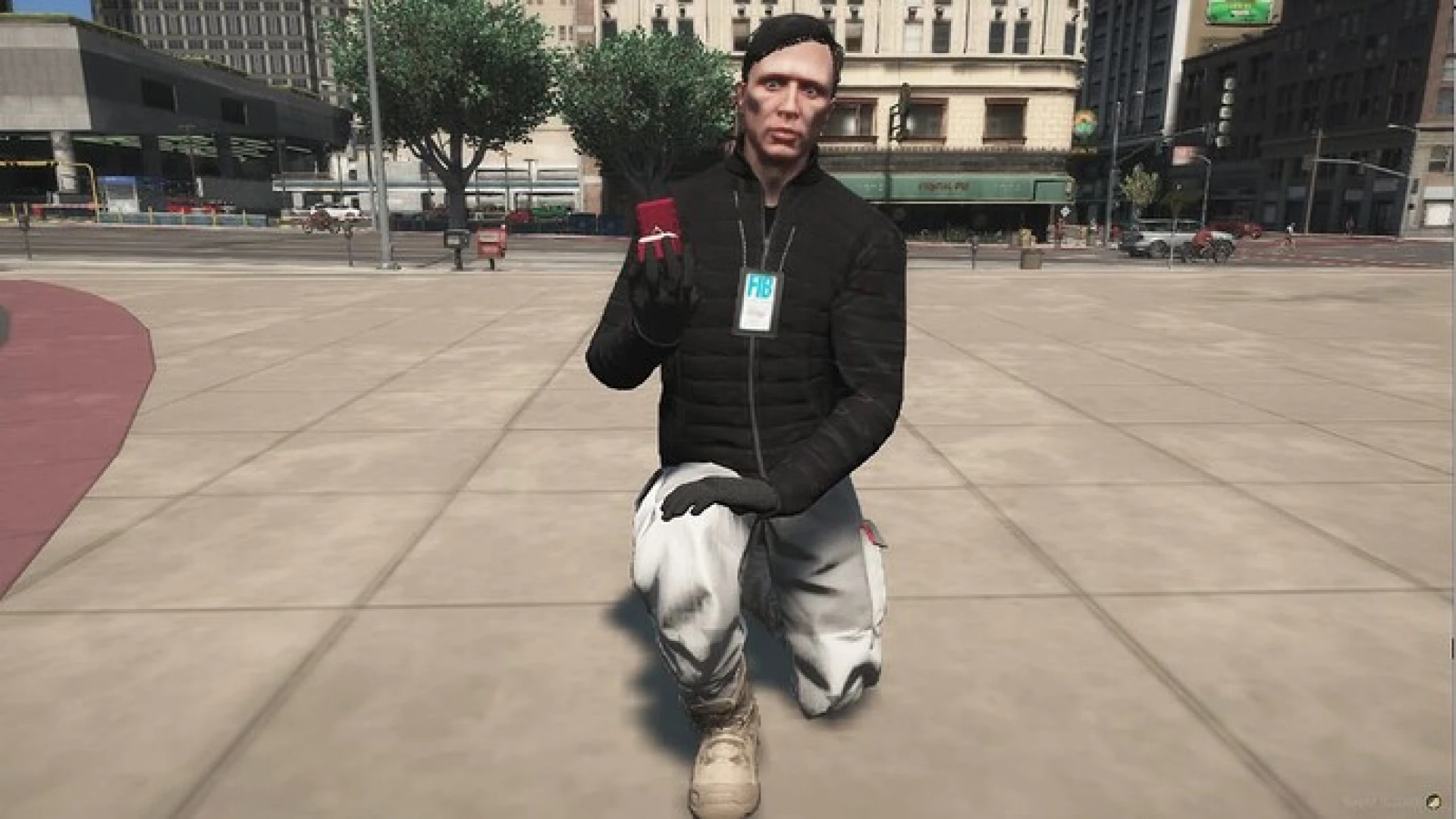
The Propose Custom Animation lets a character drop to one knee and make a proposal, turning a quiet story beat into a moment others remember. The motion reads clearly on camera and stays smooth rather than stiff. It suits relationship storylines, which are among the most rewarding threads on a roleplay server.
Best for: relationship storylines and milestone scenes.
Cutting Weed
The Cutting Weed pack gives processing scenes a believable trimming motion, so work at a table feels like real work rather than a menu prompt. The description says it loops cleanly, so it can run for as long as a job requires. It is aimed at job and processing storylines.
Best for: looping work animations in job roleplay.
Swatting Mosquitoes
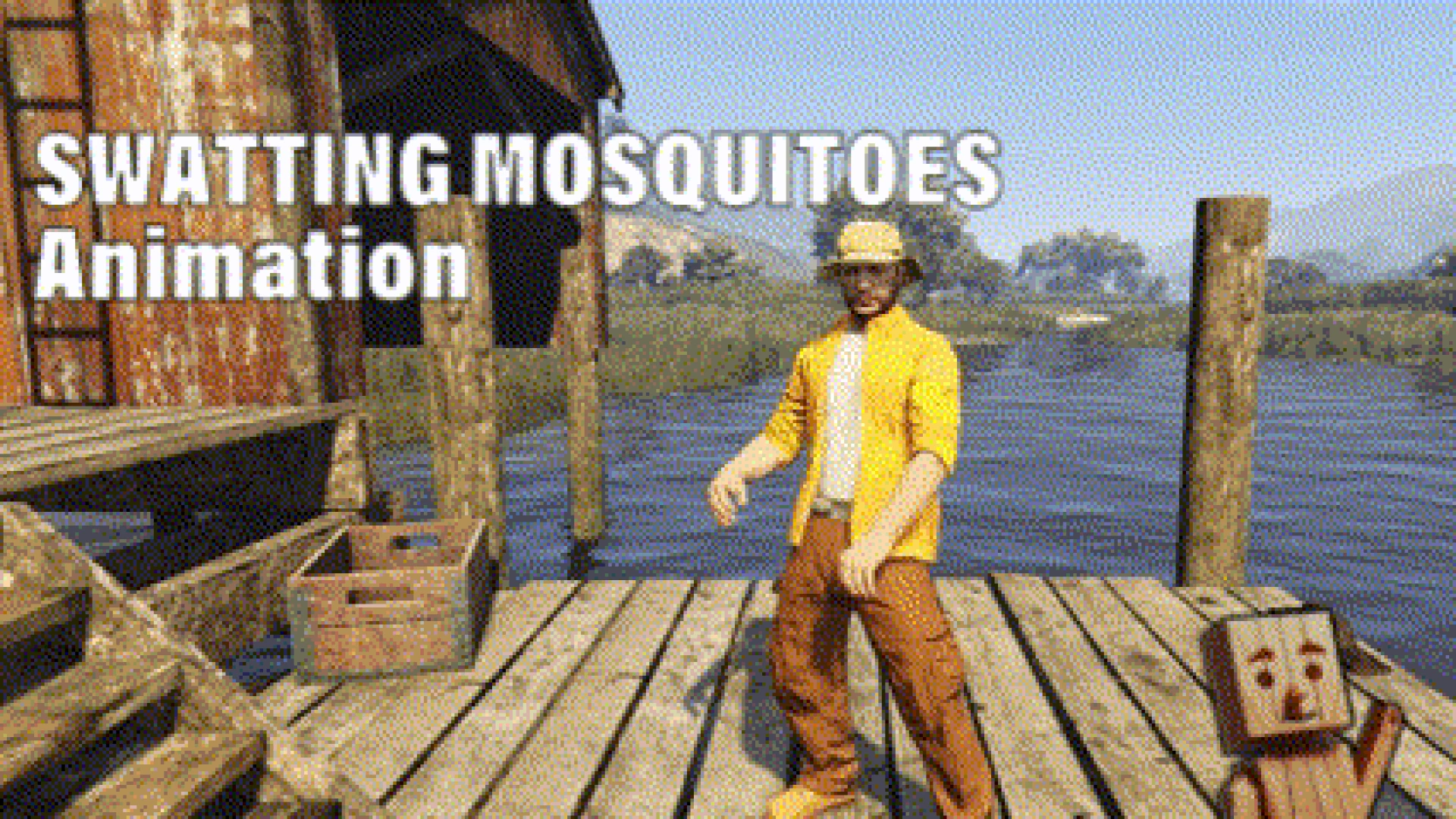
The Swatting Mosquitoes emote adds a small everyday gesture that base GTA V lacks. It lets characters react to their surroundings, which is what makes them feel like people rather than stiff avatars. The description places it in the quiet, in-between moments of roleplay.
Best for: outdoor scenes and small reactions between dialogue.
Pazeee Funny Hide Emotes

The Pazeee Funny Hide Emotes pack contains comedic hiding and peeking animations for scenes that need a lighter tone. The description says every action loops cleanly and blends into the character rig, so ducking behind cover or taking a nervous peek looks smooth. It is useful for community events where humor matters.
Best for: comedy scenes and lighthearted events.
Pazeee Snow Emotes
The Pazeee Snow Emotes pack brings a wintry mood with animated actions built around cold-weather fun and seasonal celebration. The description says throwing, shivering and celebrating in the frost all look natural during roleplay. It is a clear seasonal signal for winter events.
Best for: winter events and seasonal scenes.
Bike Idle Anim
The Bike Idle Anim pack replaces the default bike idle with a smoother, more natural rider pose. The listing describes the pack as standalone. Riders waiting at a light or a meet benefit most from the change.
Best for: riders waiting at lights, meets and bike stops.
Cool Idle Animations
The Cool Idle Animations pack replaces the default idle pose with a set of varied animations. The description says it offers several styles for different characters, so the same idle does not repeat across the whole server. Idle poses fill much of any roleplay scene, so variety here is worth the install.
Best for: characters who spend long scenes standing or talking.
DP Emotes V5 +1000 Animations
The DP Emotes V5 +1000 Animations is the largest library in this set, with more than 1000 emotes, dances and animations covering human, animal and prop scenes. The description says the set plays smoothly without odd snapping or clipping. It works as one library, so you do not have to juggle many packs.
Best for: servers that want one large emote library.
Drugs Emotes (11 Animations with Props)
The Drugs Emotes (11 Animations with Props) pack includes eleven animations that use props, for scenes that involve handling small items. The description lists each action, so you can see exactly what is included before you install. It is aimed at scene work where props need to match the action.
Best for: prop-heavy scenes in street and crime roleplay.
Hand-held Radio Emote
The Hand-held Radio Emote gives characters a natural way to hold and use a radio during a call. The description lists compatibility with dpemotes and another emote menu, so check that your setup matches before you install. It is a practical pick for job roleplay where radio calls are common.
Best for: dispatch, job and radio roleplay.
Tire Change Animation + Props
The Tire Change Animation + Props pack provides a tire-change sequence with supporting mechanic props. The description presents it as a full sequence rather than a single pose, so mechanics and roadside scenes have something to show. It suits garages and breakdown storylines.
Best for: garages, mechanics and roadside breakdowns.
Using Phone Animation
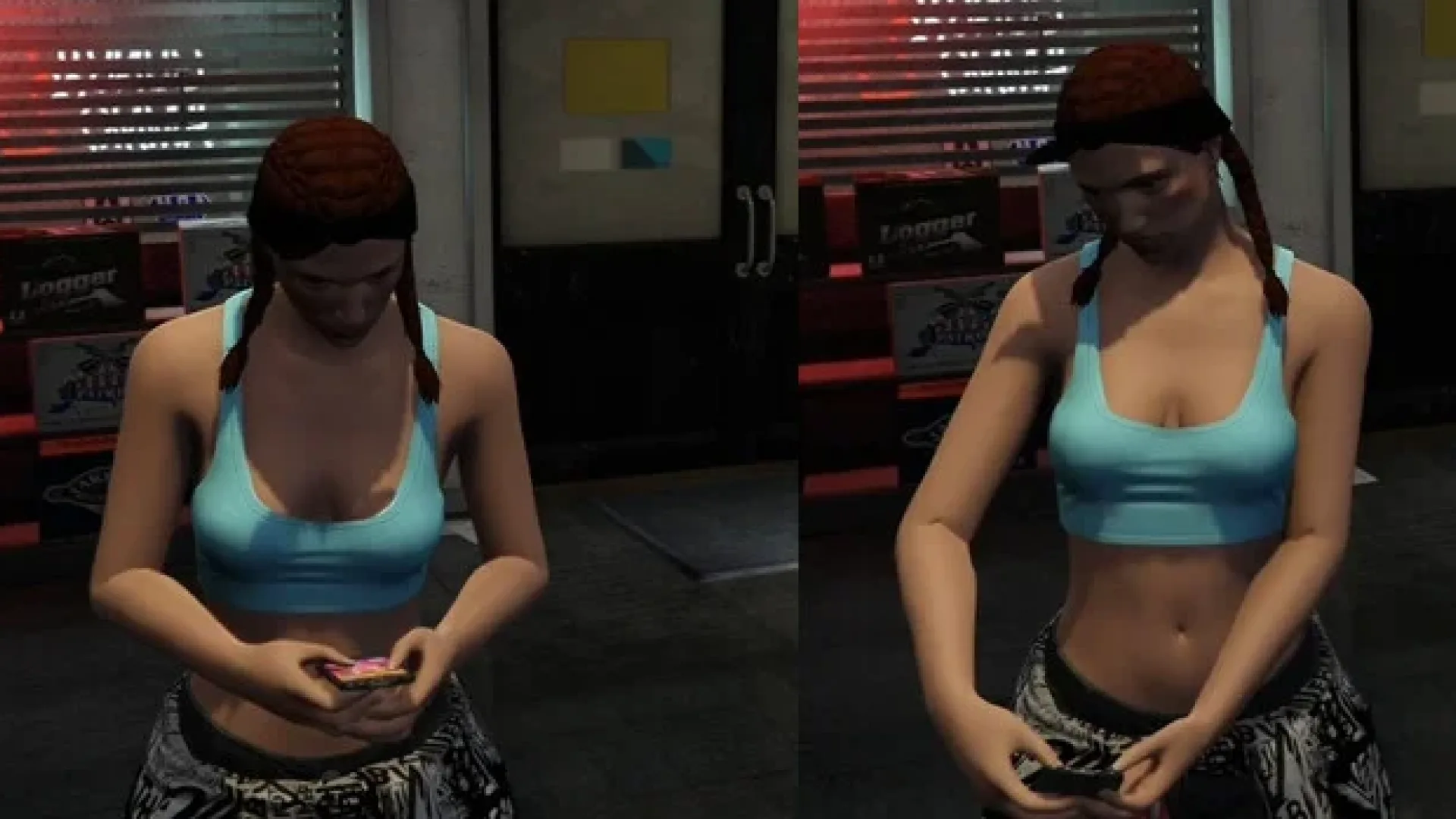
The Using Phone Animation pack adds a phone-use animation that fits everyday roleplay, such as a quick call or a message. The listing says it is a custom emote pack compatible with dpemotes and another emote menu. Check your menu setup before installing, since phone use appears in almost every modern scene.
Best for: everyday scenes where a character needs a phone in hand.
Comparison of the alcaline eat fork fivem animations and the rest of the set
| Product | Category | Best for |
|---|---|---|
| Alcaline | Eat with Fork Animation | Emotes | Restaurants and home scenes |
| Ladies Selfie Poses | Emotes | Portraits and content |
| Propose Custom Animation | Emotes | Milestone scenes |
| Cutting Weed | Emotes | Job and processing scenes |
| Swatting Mosquitoes | Emotes | Outdoor reactions |
| Pazeee Funny Hide Emotes | Emotes | Comedy scenes |
| Pazeee Snow Emotes | Emotes | Winter events |
| Bike Idle Anim | Emotes | Riders at lights and meets |
| Cool Idle Animations | Emotes | Long standing scenes |
| DP Emotes V5 +1000 Animations | Emotes | One large library |
| Drugs Emotes (11 Animations with Props) | Emotes | Prop-heavy scenes |
| Hand-held Radio Emote | Emotes | Radio and dispatch roleplay |
| Tire Change Animation + Props | Emotes | Garages and breakdowns |
| Using Phone Animation | Emotes | Everyday phone use |
Frequently asked questions about alcaline eat fork fivem animations
Do these emotes work with dpemotes or another emote menu?
The Hand-held Radio Emote and Using Phone Animation listings name dpemotes as a compatible resource. Most other listings do not state menu compatibility, so check each product page before you install.
Do I need a framework to run these packs?
The Bike Idle Anim listing describes itself as standalone. The rest do not state framework requirements in their descriptions, so check each product page for setup notes.
Where should a new server start with alcaline eat fork fivem animations?
Begin with the eat with fork animation, the phone and idle packs, since they show up in most scenes. Add the seasonal and comedic sets when your community asks for them.
Browse the full set in the Emotes collection on FiveM Shops. Start with the packs above, then grow your list one pack at a time.